Published - 9 years ago ( Updated - 9 years ago )
Since OAuth authentication is a standard, each company implements it in a similar way, plus Laravel socialite support.
We can easily build OAuth authentication for different platforms.
Chat room link:
https://www.ccc.tc/room?room=3C%20Tech%20Center
3C Tech Center also supports a variety of OAuth authentication methods, providing users with a variety of choices.
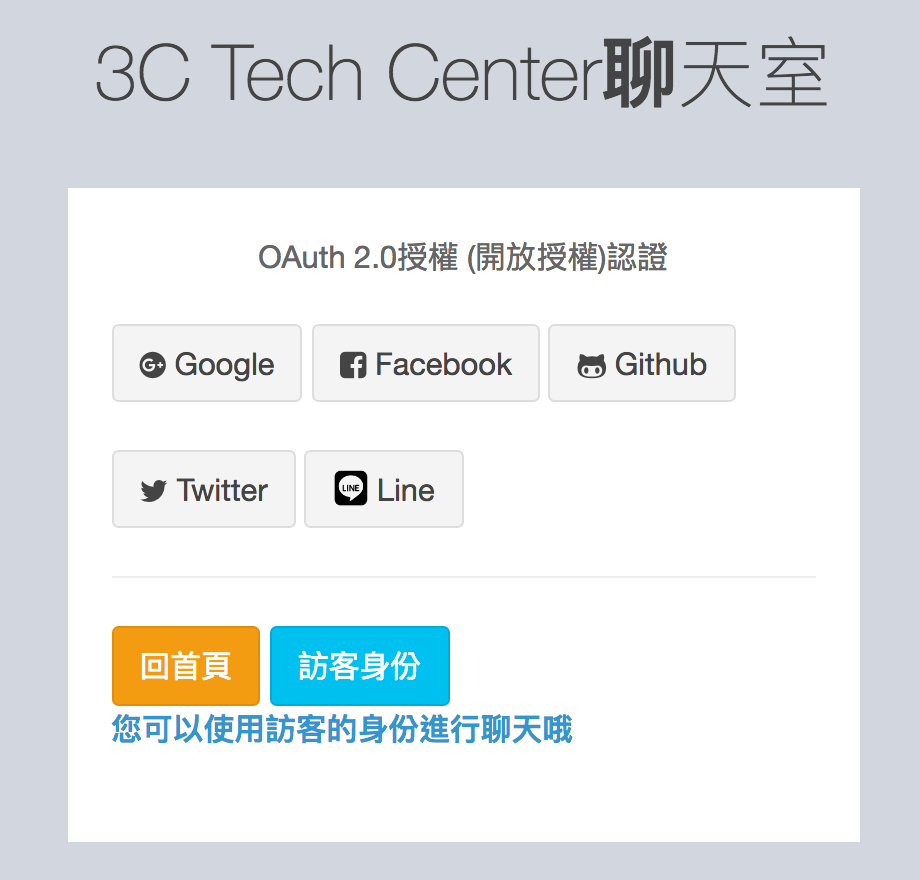
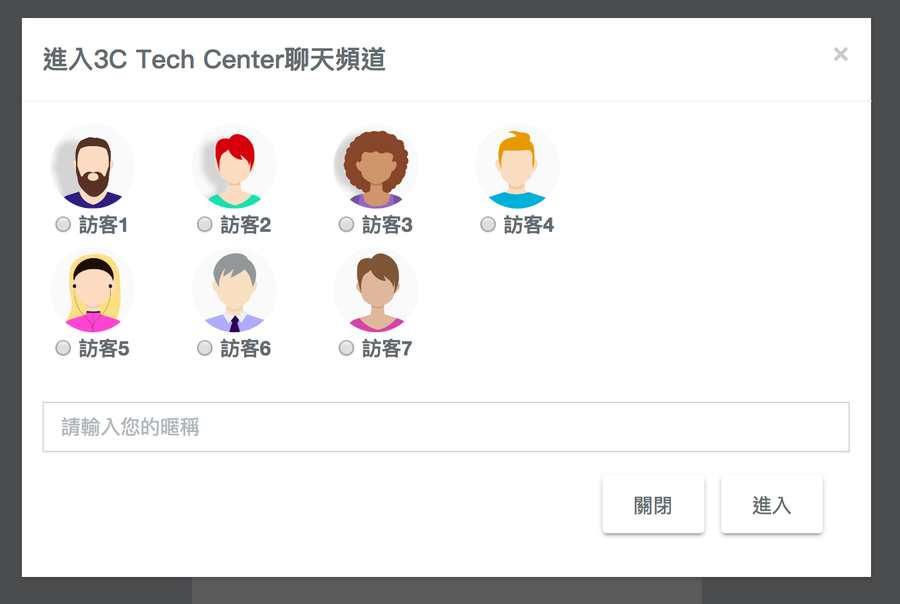
If we use it, you can chat as a guest without logging in at all.
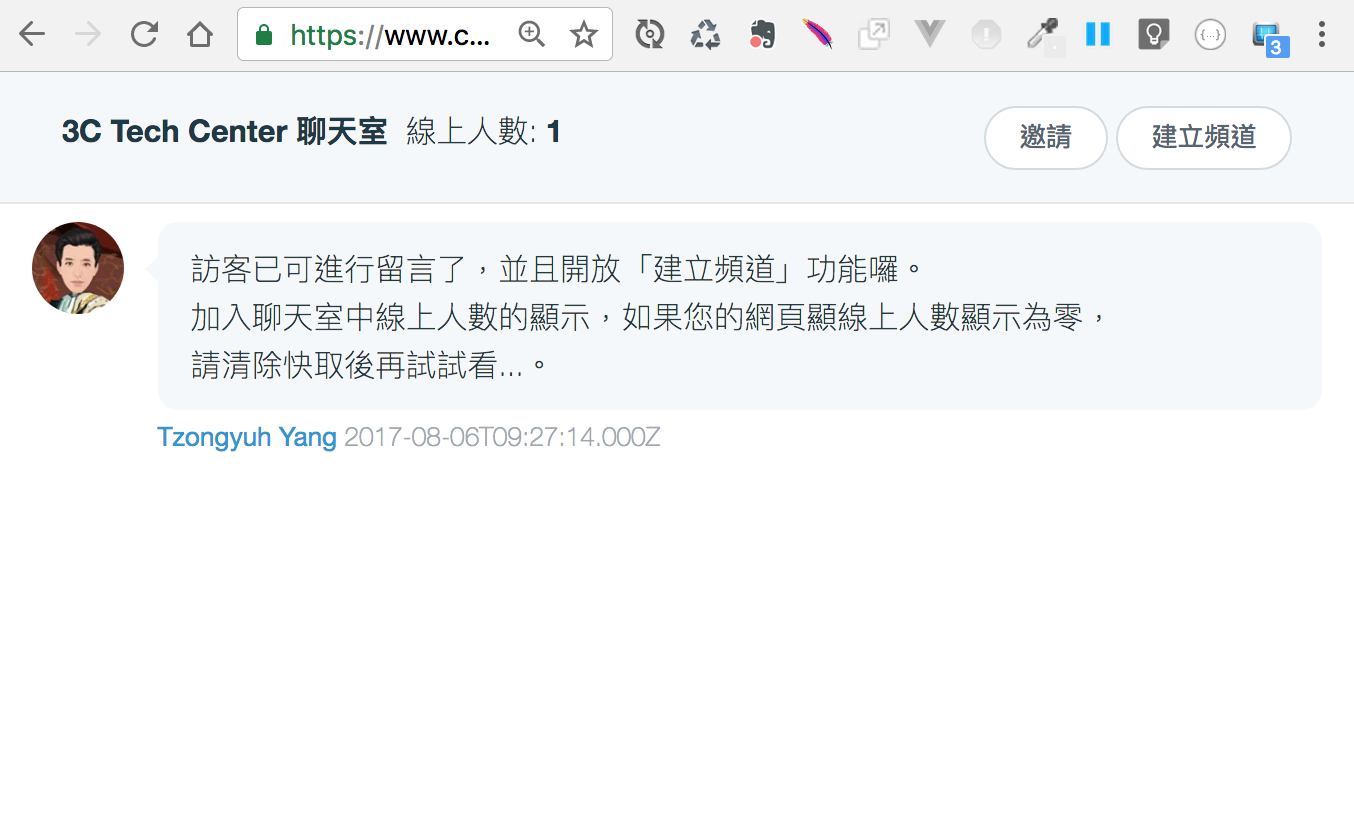
At present, anyone is allowed to create channels and invite functions, and send links to friends for chatting.
Since CCC IM is currently in the development stage, the code may change at any time,
You may be experiencing cache issues, please reload and try again.
Future plans will provide more functions, such as "post code", "emoji", "private message", "channel subscription" and other functions.
We can easily build OAuth authentication for different platforms.
Chat room link:
https://www.ccc.tc/room?room=3C%20Tech%20Center
3C Tech Center also supports a variety of OAuth authentication methods, providing users with a variety of choices.
If we use it, you can chat as a guest without logging in at all.
At present, anyone is allowed to create channels and invite functions, and send links to friends for chatting.
Since CCC IM is currently in the development stage, the code may change at any time,
You may be experiencing cache issues, please reload and try again.
Future plans will provide more functions, such as "post code", "emoji", "private message", "channel subscription" and other functions.



No Comment
Post your comment